


Welcome to TryEngineering
TryEngineering empowers educators to foster the next generation of technology innovators. We provide educators and students with resources, lesson plans, and activities that engage and inspire.
Want to keep learning? Join our mailing list
FEATURED NEWS
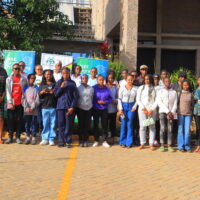
TryEngineering is always looking to share great stories from our friends around IEEE who are pursuing efforts in STEM outreach and education. In this STEM...

What’s New
Find our latest STEM education news, resource, lesson plans, games, and more.


TryEngineering and the Pre-University Coordination Committee are proud to continue our partnership with the IEEE Signal Processing Society! Founded in 1948, the Signal Processing Society (SPS)...


Earth Day, celebrated annually on 22 April, is a global event dedicated to raising awareness and promoting action for environmental protection. Earth Day was first...

TryEngineering is excited to announce a strategic partnership with Keysight! The goal of this collaboration is to build awareness of engineering in pre-university students, through...

STEM Community Resources
STEM educational materials may include videos, tutorials, lessons, activities, articles, and slides from our community of teachers, volunteers, and parents.
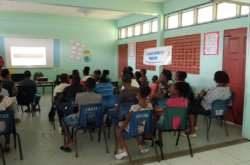

The objective of the camp was to provide young people with skill sets using Science, Technology, Engineering, Art, and Math (STEAM), to improve academic performance...

The resource web page URL provides links to 7 pdf documents that step by step guide the teacher and students to hands-on make the outlined runlinc Easy Coding projects.

Not an Egg Drop Challenge is an interdisciplinary project between Physics and Environmental Sustainability (ES). This activity allowed students to combine their knowledge of water footprint, carbon emission, UN Sustainable...